Hubspot Integration Instructions
Last updated: October 14, 2025
Connecting Peerbound to HubSpot
Follow these steps to connect Peerbound to your company’s HubSpot account:
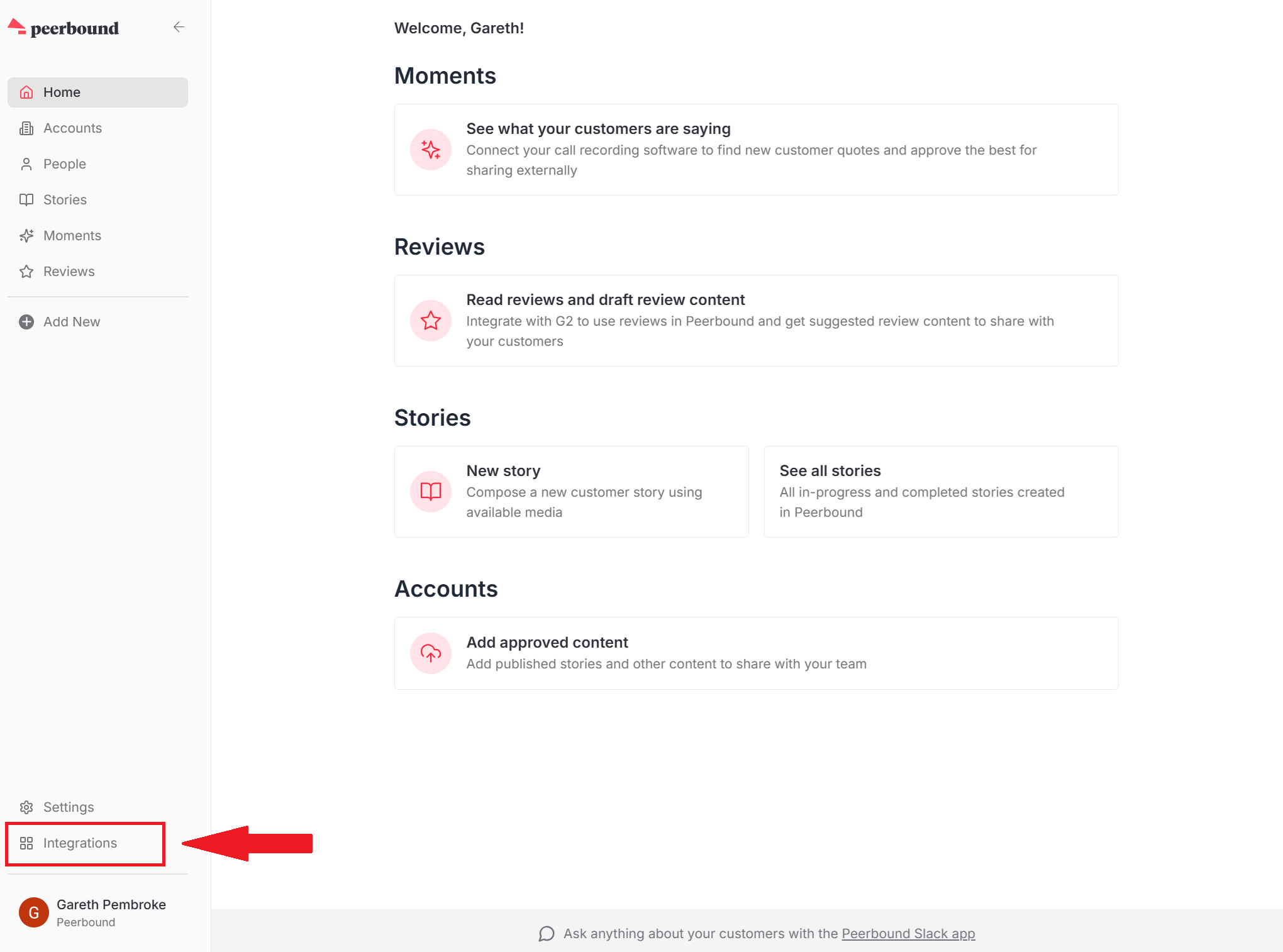
Navigate to the Integrations Page
In the Peerbound app, go to the Integrations Page.
Enable HubSpot Integration
Click the +Enable button on the HubSpot tile.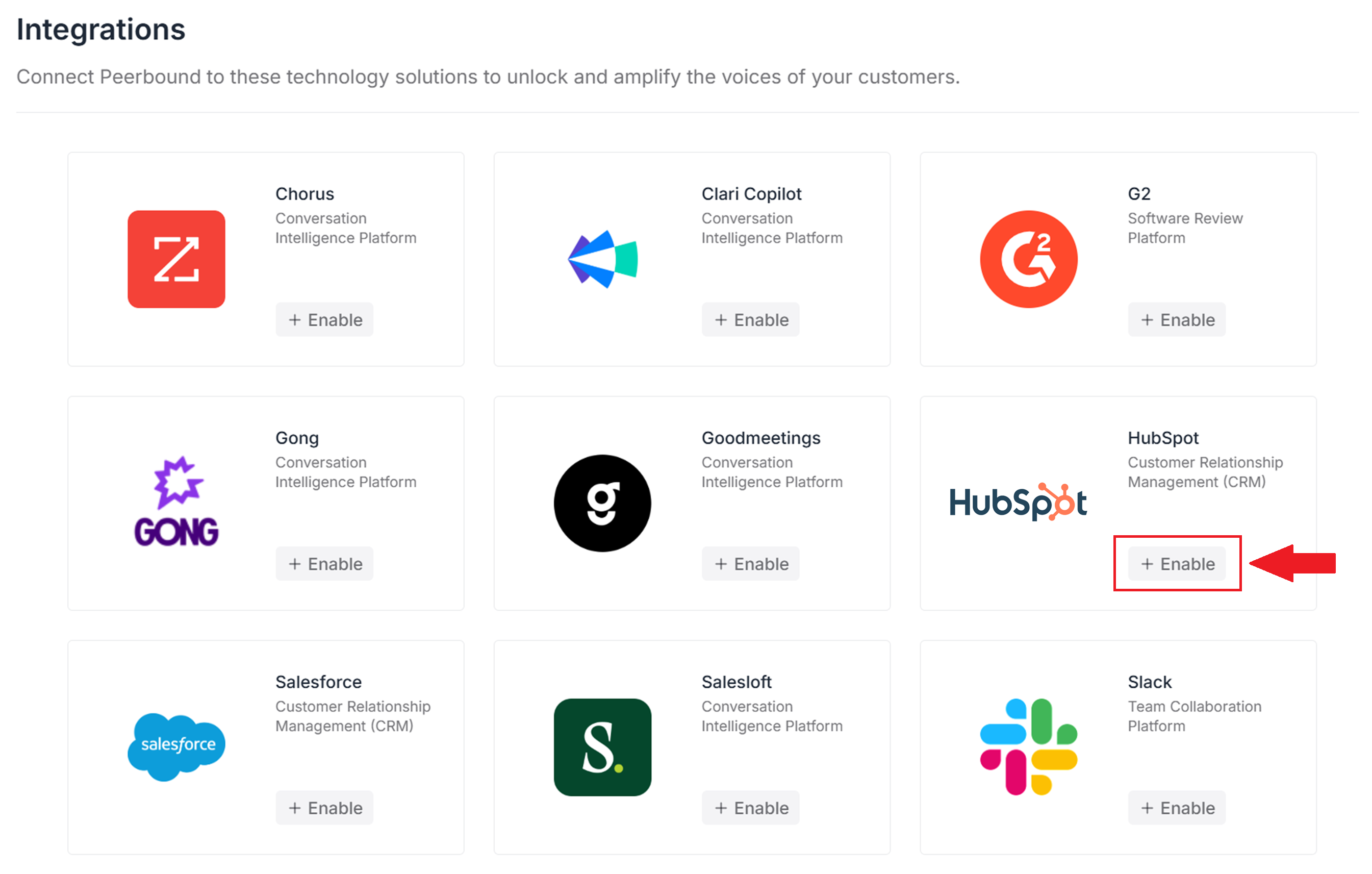
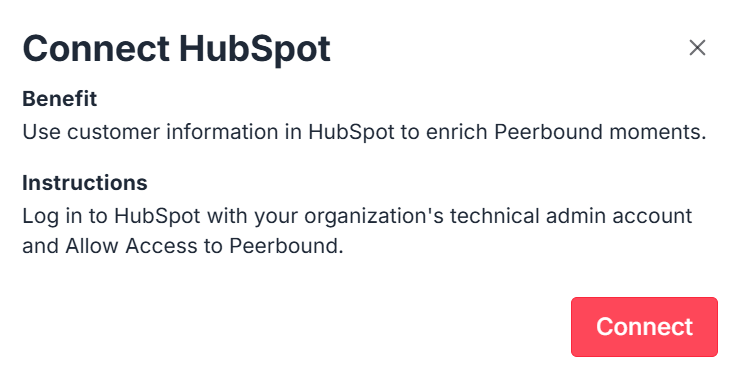
Connect to HubSpot
Click ConnectIf you’re not already signed in to HubSpot in your browser, you’ll be prompted to log in.
Authorize Access
Within HubSpot, you’ll see an Allow Access screen for Peerbound. Click Allow.Confirmation
You’ll be redirected back to Peerbound.
The integration is now active — you can close the modal.